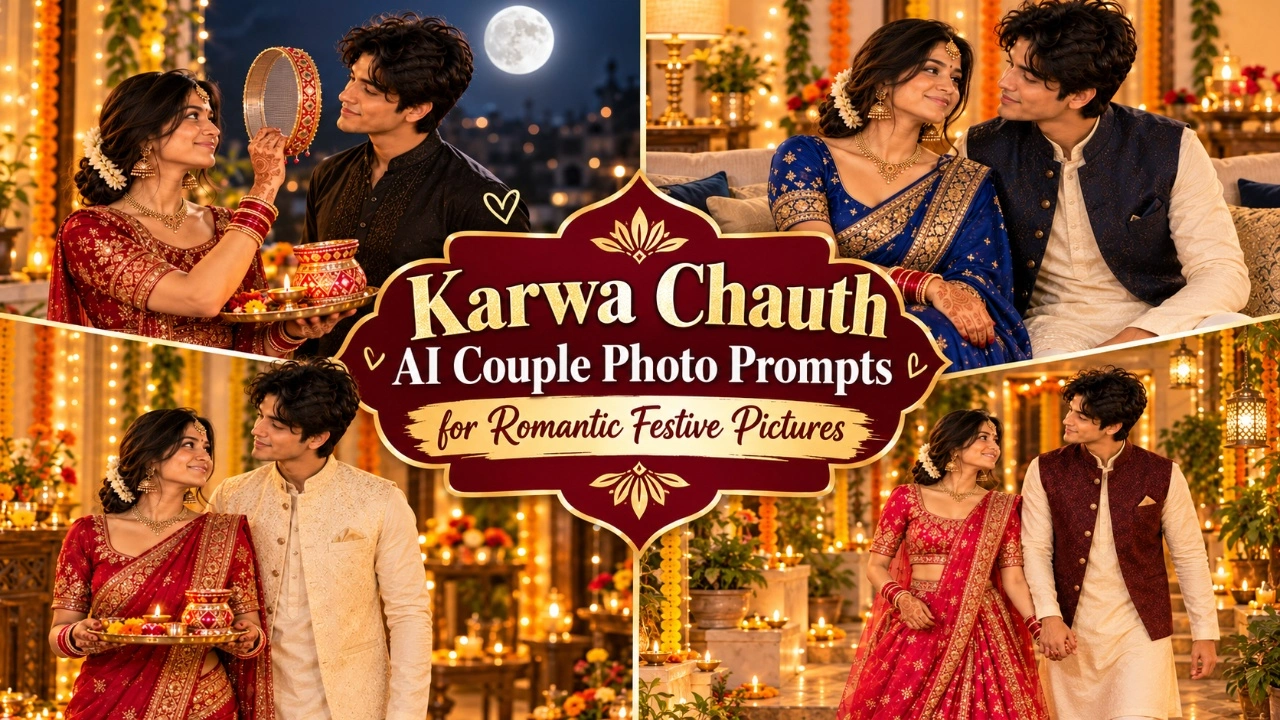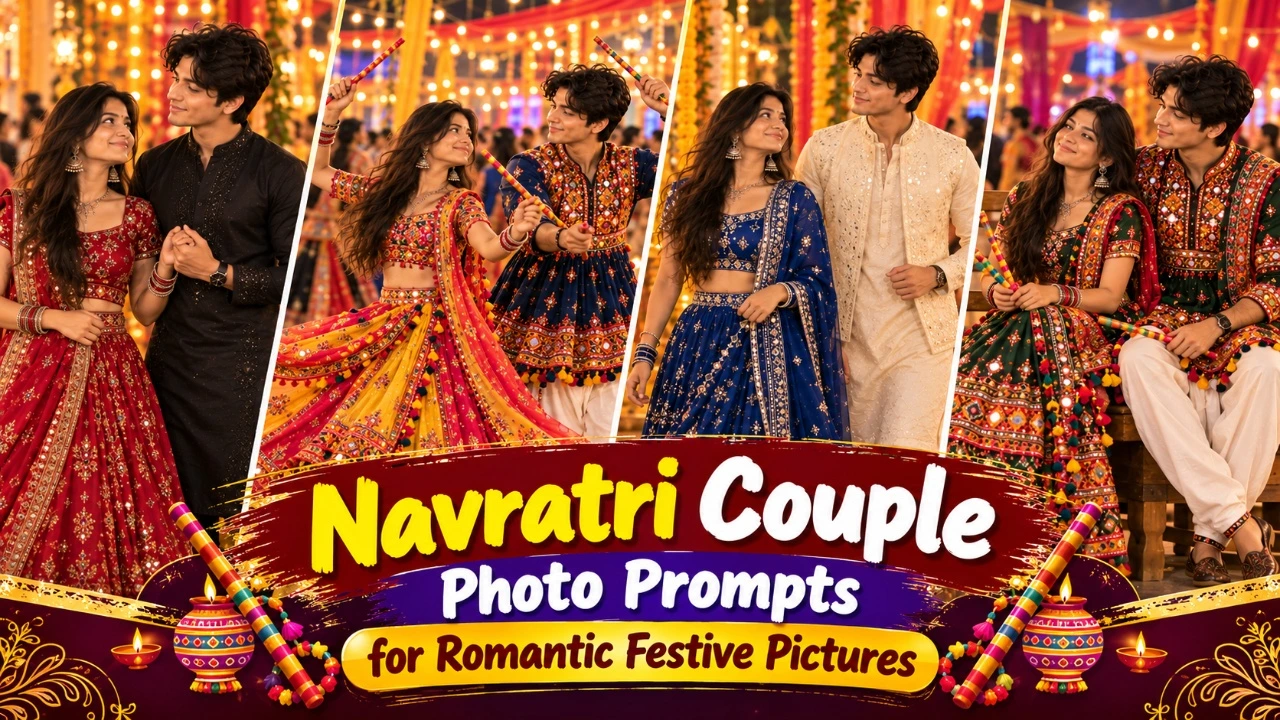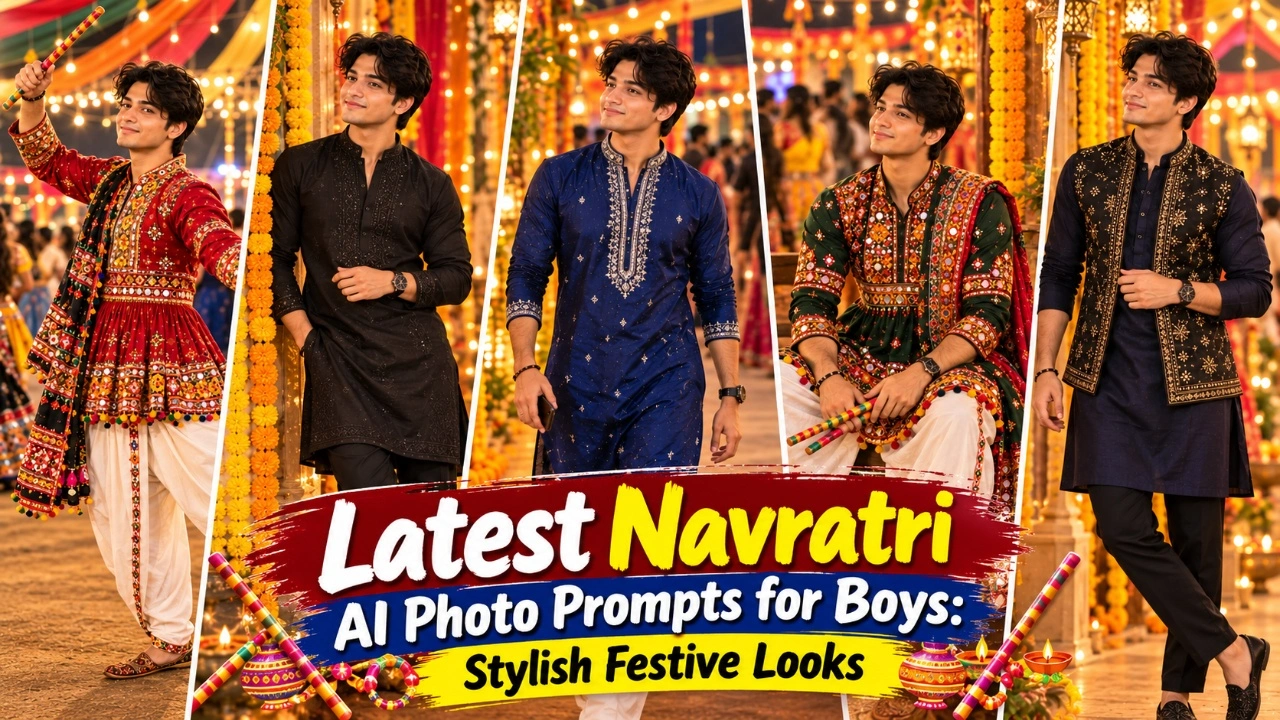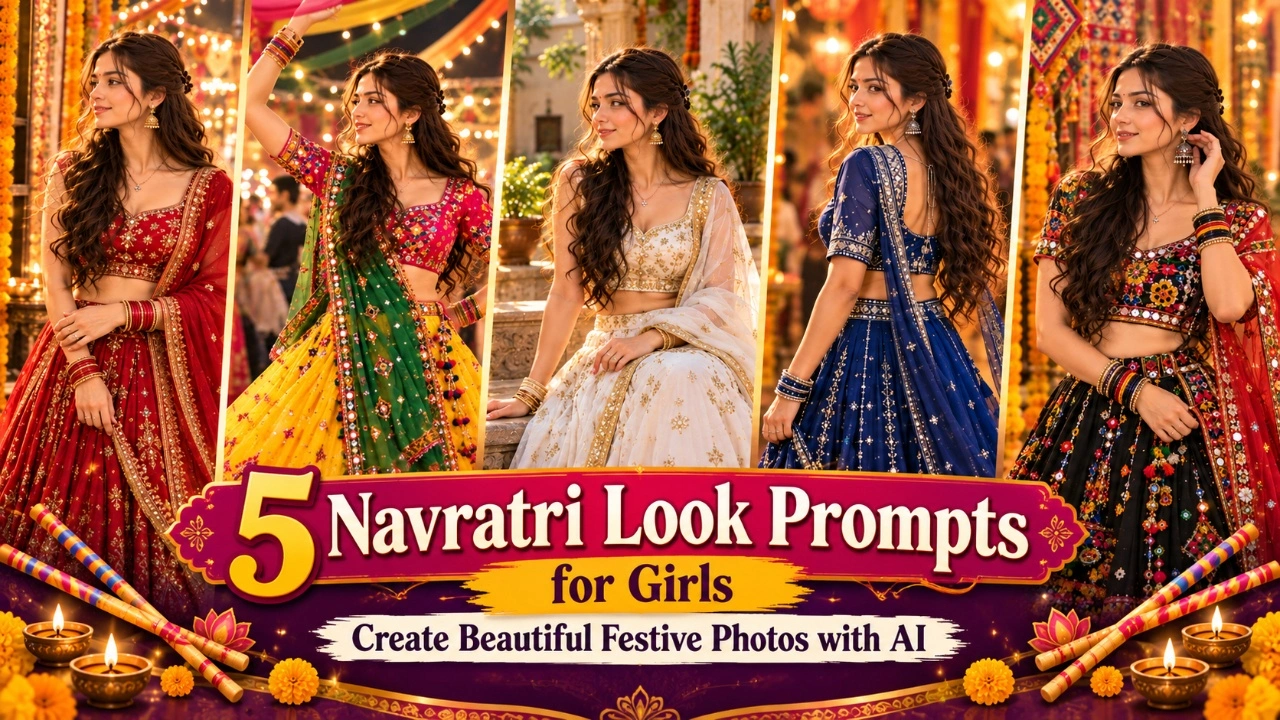

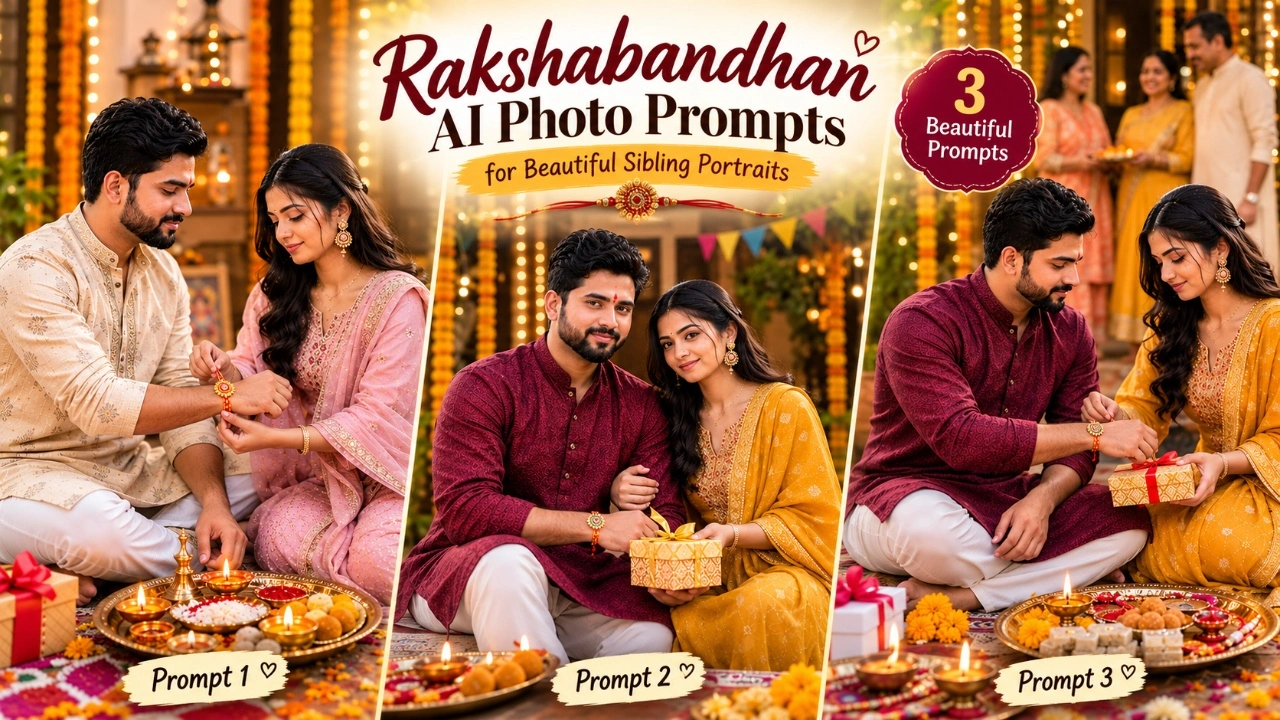
Rakshabandhan is a special Indian festival that celebrates the bond between brothers and sisters. From tying rakhi and exchanging gifts to sharing sweets and creating family memories, every moment has its own importance. Many people want to capture these memories in beautiful photographs, but arranging a professional photoshoot is not always possible. AI photo generators offer a simple way to create festive brother-sister portraits with traditional outfits, colourful decorations, and realistic backgrounds.
In this article, you will find Rakshabandhan AI photo prompts for Indians that you can copy and use with compatible AI image generators. Whether you want a traditional rakhi-tying photo, a cheerful sibling portrait, or a festive family celebration image, these prompts can help you explore different styles. Upload a suitable reference photo, customise the outfits and background, and create pictures for Instagram, WhatsApp, Facebook, or your personal collection. You can also adjust the prompts to match your preferred traditional or modern look.
1. Traditional Rakhi Tying AI Photo
The traditional rakhi-tying moment is one of the most meaningful parts of Rakshabandhan. A sister tying rakhi on her brother’s wrist, applying tilak, and offering sweets creates a beautiful memory that reflects love and family traditions. With AI photo prompts, you can recreate this special moment in a festive setting featuring traditional Indian clothing, flowers, diyas, and a decorated puja thali. These details help give the portrait a natural and culturally familiar appearance.
For a more realistic result, choose a reference photo in which both siblings’ faces are clearly visible. You can customise the sister’s outfit with a colourful suit or saree and the brother’s look with a kurta or Nehru jacket. Add small details such as roli, chawal, ladoos, and marigold flowers to make the scene feel authentic. Keep the expressions natural and ask the AI tool to preserve both siblings’ facial features so the final image looks more personal.
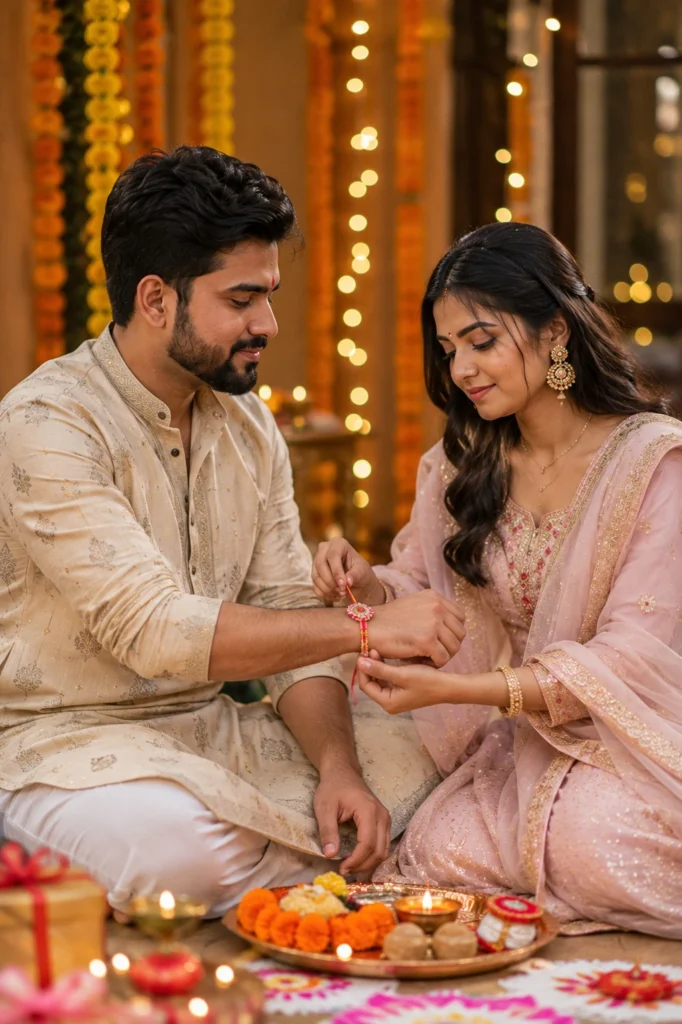
Transform my uploaded photo into an ultra-realistic Rakshabandhan portrait while preserving my exact facial features, skin tone, hairstyle, body proportions, and identity. Dress me in traditional Indian festive attire (elegant kurta for brother, beautiful saree or suit for sister) with subtle jewelry and neatly styled hair, keeping my face completely realistic.

Capture the moment of tying a colorful rakhi on the wrist, with a decorated pooja thali featuring diyas, roli, chawal, and sweets placed nearby. Add a warm, beautifully decorated home background with marigold flower strings, fairy lights, and rangoli on the floor.

Use warm golden hour lighting with cinematic tones, realistic skin textures, shallow depth of field, creamy bokeh, HDR lighting, DSLR 85mm portrait photography, and premium editorial color grading. Make the final image look like an authentic Rakshabandhan celebration photograph. Ultra-realistic, photorealistic, 8K resolution, magazine-quality portrait, natural body proportions, no cartoon or AI-art appearance.
2. Festive Rakshabandhan Sibling Portrait
A festive sibling portrait is a great choice for brothers and sisters who want a colourful photograph to share on Rakshabandhan. Instead of focusing only on the rakhi ceremony, this style highlights the happiness and closeness between siblings. Coordinated traditional outfits, bright decorations, flower garlands, and a cheerful home background can create a beautiful festival-themed portrait. You can choose a traditional Indian setting or a modern decorated room according to your personal style.
To make the picture look more natural, try poses such as standing side by side, smiling at the camera, holding a gift, or showing the rakhi on the brother’s wrist. Choose complementary colours rather than matching every detail exactly. For example, one sibling can wear a mustard outfit while the other wears maroon or cream. You can also add soft lighting and a slightly blurred background to keep the focus on the siblings and their expressions.
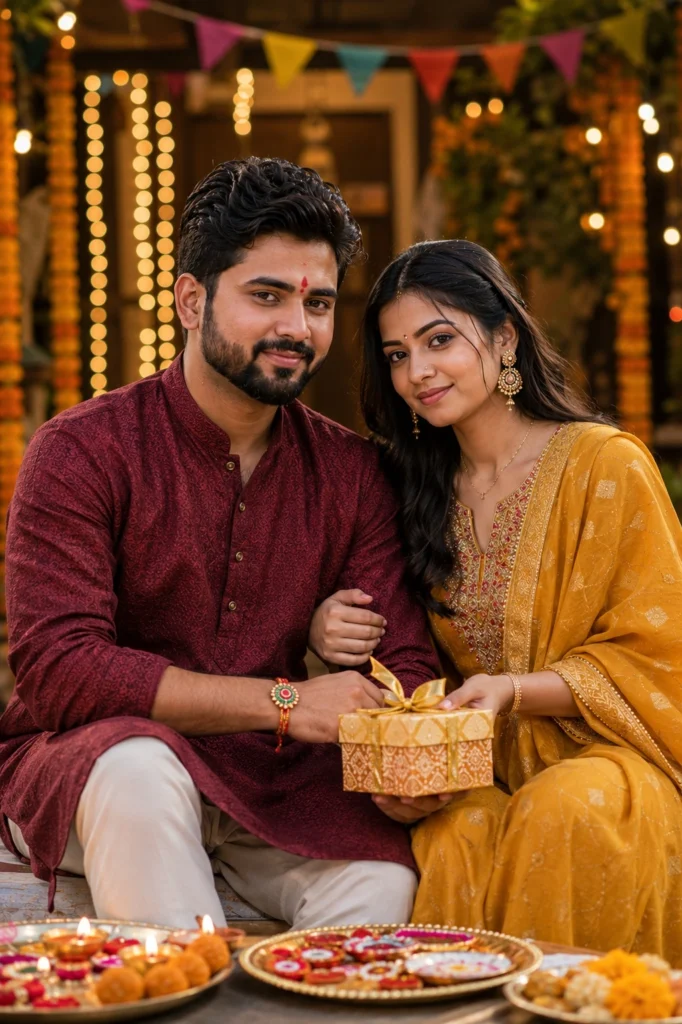
Transform my uploaded photo into an ultra-realistic Rakshabandhan sibling portrait while preserving my exact facial features, skin tone, hairstyle, body proportions, and identity. Dress in coordinated traditional Indian outfits with rich festive colors like maroon, gold, and mustard, with tasteful jewelry and neatly styled hair while maintaining exact identity.

Pose together smiling warmly, one hand showing the tied rakhi and the other holding a small gift box or sweets box. Create a festive setting with hanging marigold garlands, string lights, colorful bunting, and a traditional Indian courtyard or decorated living room in the background.

Use warm ambient festive lighting combined with soft natural light, realistic skin details, DSLR 85mm photography, HDR lighting, shallow depth of field, creamy bokeh, premium editorial color grading, and cinematic composition. Make the final image look like it was captured during an actual Rakshabandhan celebration at home. Ultra-realistic, photorealistic, 8K resolution, magazine-quality finish, natural body proportions, no cartoon or AI-art appearance.
3. Rakshabandhan Celebration AI Portrait
Rakshabandhan celebrations often include sweets, gifts, family gatherings, and plenty of happy moments. An AI-generated celebration portrait can bring these elements together in one festive scene. You can include a decorated rakhi thali, traditional sweets, colourful flowers, and warm lights to create the feeling of a family celebration at home. This style is suitable for people who want something more detailed than a simple brother-sister portrait.
You can personalise the scene by adding your favourite festive colours, traditional accessories, or a family setting that feels familiar. For a candid look, ask the AI tool to show the siblings exchanging gifts or laughing together after the rakhi ceremony. If you want a more polished portrait, use balanced lighting and a simple background that does not distract from the main subjects. Always check the generated image for facial accuracy, realistic hands, and natural-looking clothing before sharing it.
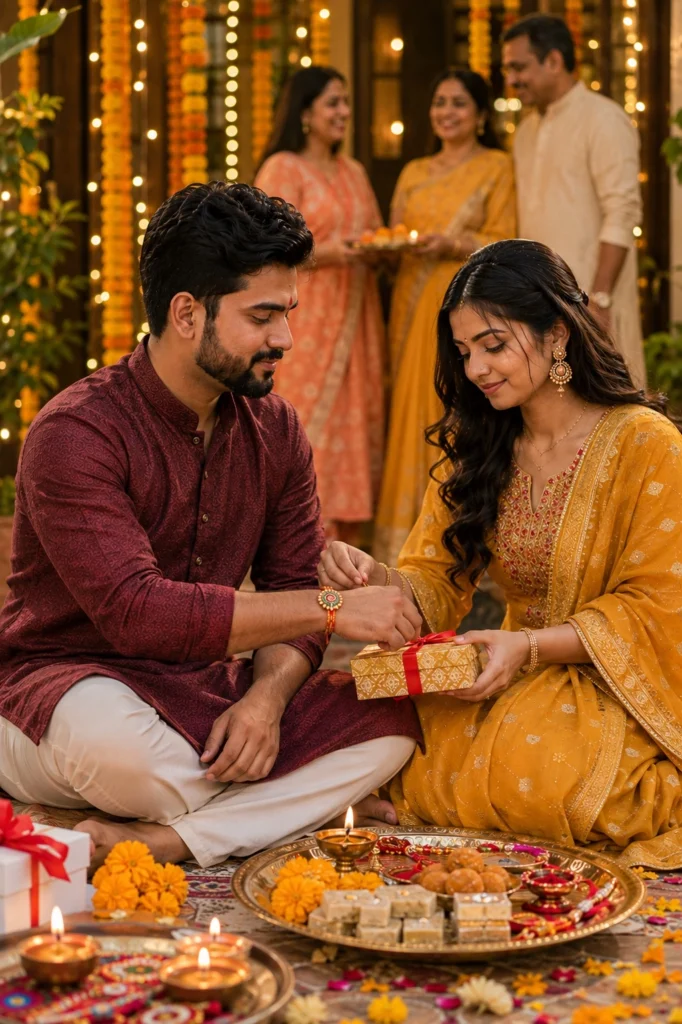
Transform my uploaded photo into an ultra-realistic Rakshabandhan celebration portrait while preserving my exact facial features, skin tone, hairstyle, body proportions, and identity. Dress me in festive traditional attire with subtle gold jewelry, keeping my hairstyle, facial expression, and natural appearance completely realistic.

Create a joyful celebration scene with a decorated thali of rakhis, diyas, sweets like ladoos and barfis, and flower petals scattered around. Add family members celebrating softly in the background, fairy lights, marigold decorations, and a warm festive home entrance.

Use bright warm daylight, cinematic photography, realistic skin textures, shallow depth of field, DSLR 85mm portrait style, HDR lighting, premium editorial color grading, creamy bokeh, and ultra-realistic details. The final image should feel joyful, heartfelt, and professionally photographed.
Pro Tips for Creating Rakshabandhan AI Photos
Creating a realistic Rakshabandhan photo with AI starts with a clear reference image and a well-written prompt. Decide whether you want to recreate the rakhi ceremony, capture a cheerful sibling portrait, or create a complete festive celebration scene. Then describe the outfits, poses, decorations, and lighting you want to see. Specific details can help the AI tool understand your idea and produce an image that matches your expectations.
You do not need to use complicated words or write a very long prompt. Focus on the most important details and make small changes if the first result does not look right. If your main goal is to create a picture that resembles you and your sibling, facial accuracy should be a priority. Different AI tools may produce different results, so try a few versions and choose the one that looks the most natural.
- Use a clear reference photo: Choose a photo where both siblings’ faces are visible and well-lit.
- Preserve facial identity: Ask the AI tool to maintain the original facial features, skin tones, hairstyles, and natural body proportions.
- Choose traditional outfits: Try kurtas, sarees, salwar suits, or other festive clothing that suits your preferred style.
- Add authentic festive details: Include a rakhi, puja thali, roli, chawal, sweets, diyas, and marigold flowers where appropriate.
- Describe the pose: Specify whether you want a rakhi-tying moment, a smiling sibling portrait, or a gift-exchange scene.
- Keep the background balanced: Use festive decorations without overcrowding the image.
- Select suitable lighting: Warm light can create a cosy festive atmosphere, while natural daylight works well for bright portraits.
- Review the final image: Check faces, hands, rakhi placement, clothing, and other details before posting.
For a more personal result, use a real photograph of you and your sibling as the reference image. Add clear instructions to preserve your identities while changing the setting, outfits, and decorations. This can help create a festive portrait that feels more connected to your actual Rakshabandhan memories.
Rakshabandhan is a beautiful occasion to celebrate the special bond between brothers and sisters. With these Rakshabandhan AI photo prompts, you can create festive portraits featuring traditional Indian outfits, rakhi ceremonies, colourful decorations, and memorable sibling moments. Whether you prefer a traditional rakhi-tying photo or a cheerful sibling portrait, these prompts make it easy to explore different photo styles using AI image generators.
Choose your favourite prompt, upload a clear reference photo, and customise the details to match your preferences. For the best results, focus on natural expressions, realistic facial features, and authentic festive elements. You can share your AI-generated Rakshabandhan photos on Instagram, WhatsApp, or Facebook to celebrate the occasion and create lasting digital memories with your sibling.